InstaStylr
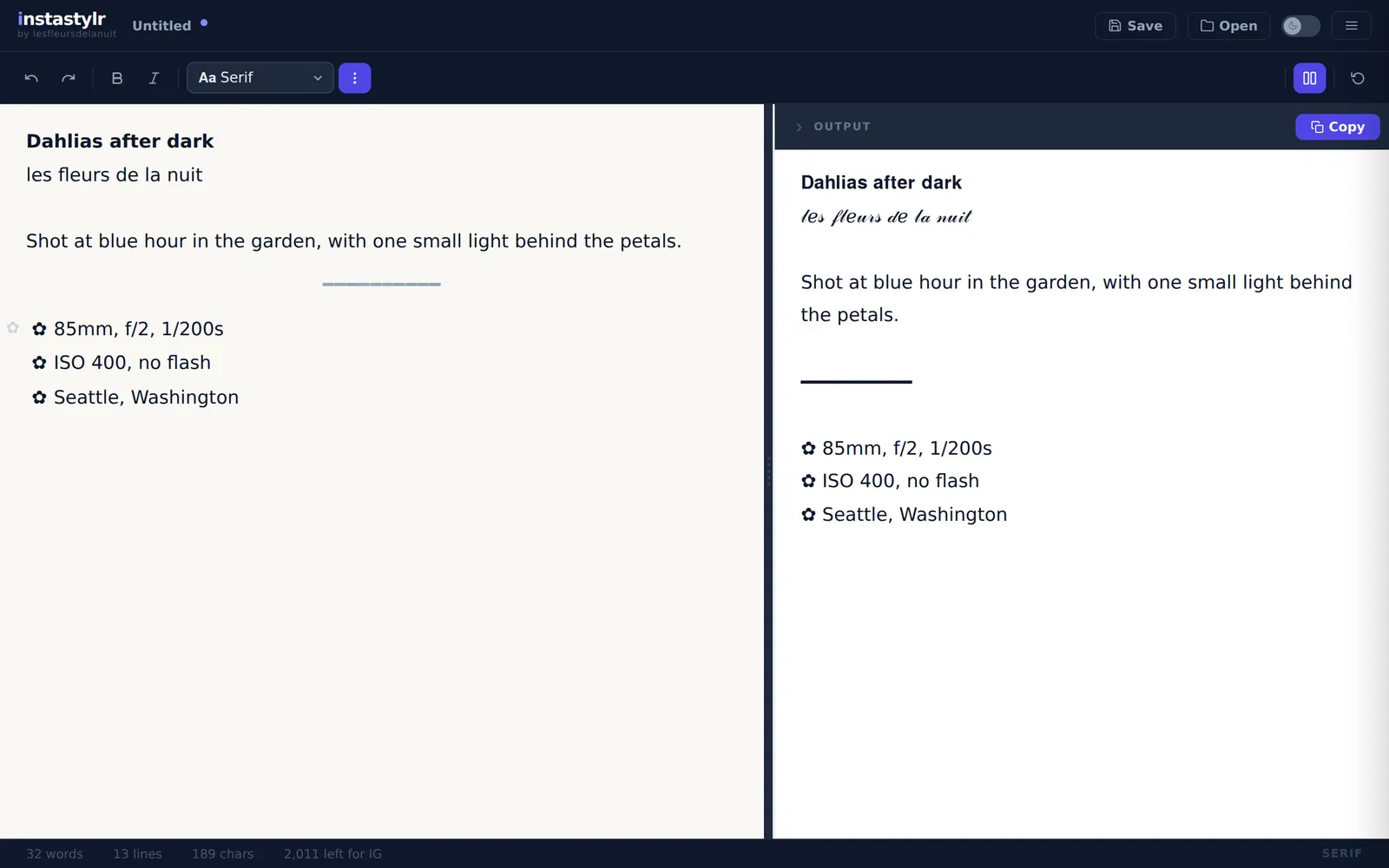
A caption editor for Instagram that turns bold, italic, fonts, lists and dividers into plain Unicode text that keeps its look when pasted.
$ cat architecture.svgAt a glance
$ cat the-problem.mdThe problem
Instagram, YouTube, TikTok and most social platforms strip formatting when you paste. The usual workaround is a “fancy text generator” that converts one line at a time. I write captions for my flower photography and wanted a real editor: style part of a sentence, keep a list of camera settings under it, save the caption and come back to it.
$ cat how-it-works.mdHow it works
Every styling feature reduces to one operation: replace ASCII characters with Unicode characters that look bold, italic or decorative. Those are ordinary text, so they survive a paste.
- One direction only. The editor document (built on Lexical, Meta’s editor framework) is the source of truth. The output is a projection of it, rebuilt on every change and never parsed back.
- Fonts are data. Each of the eight fonts is a table that says where its alphabet starts in Unicode. Adding a font means adding a row.
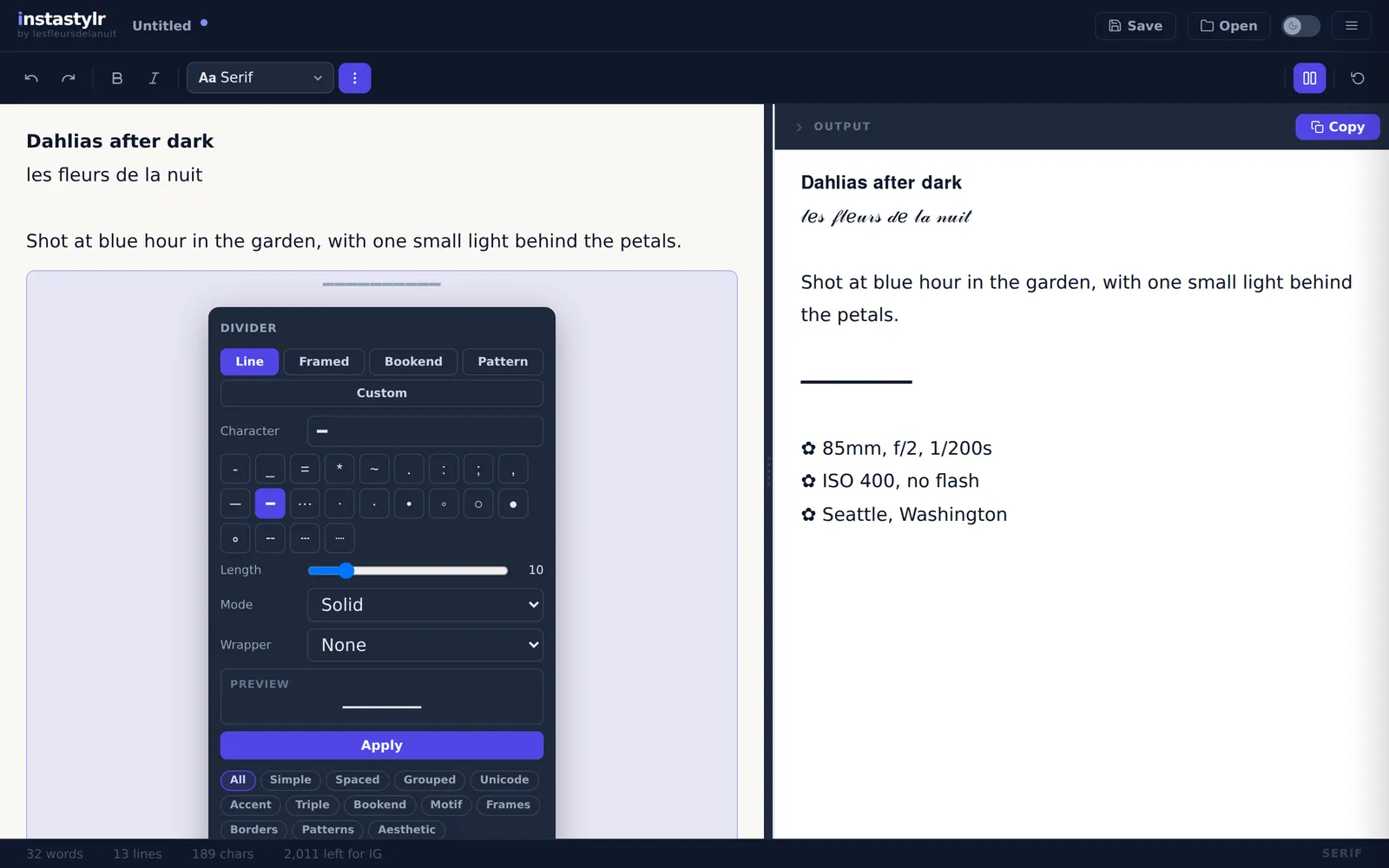
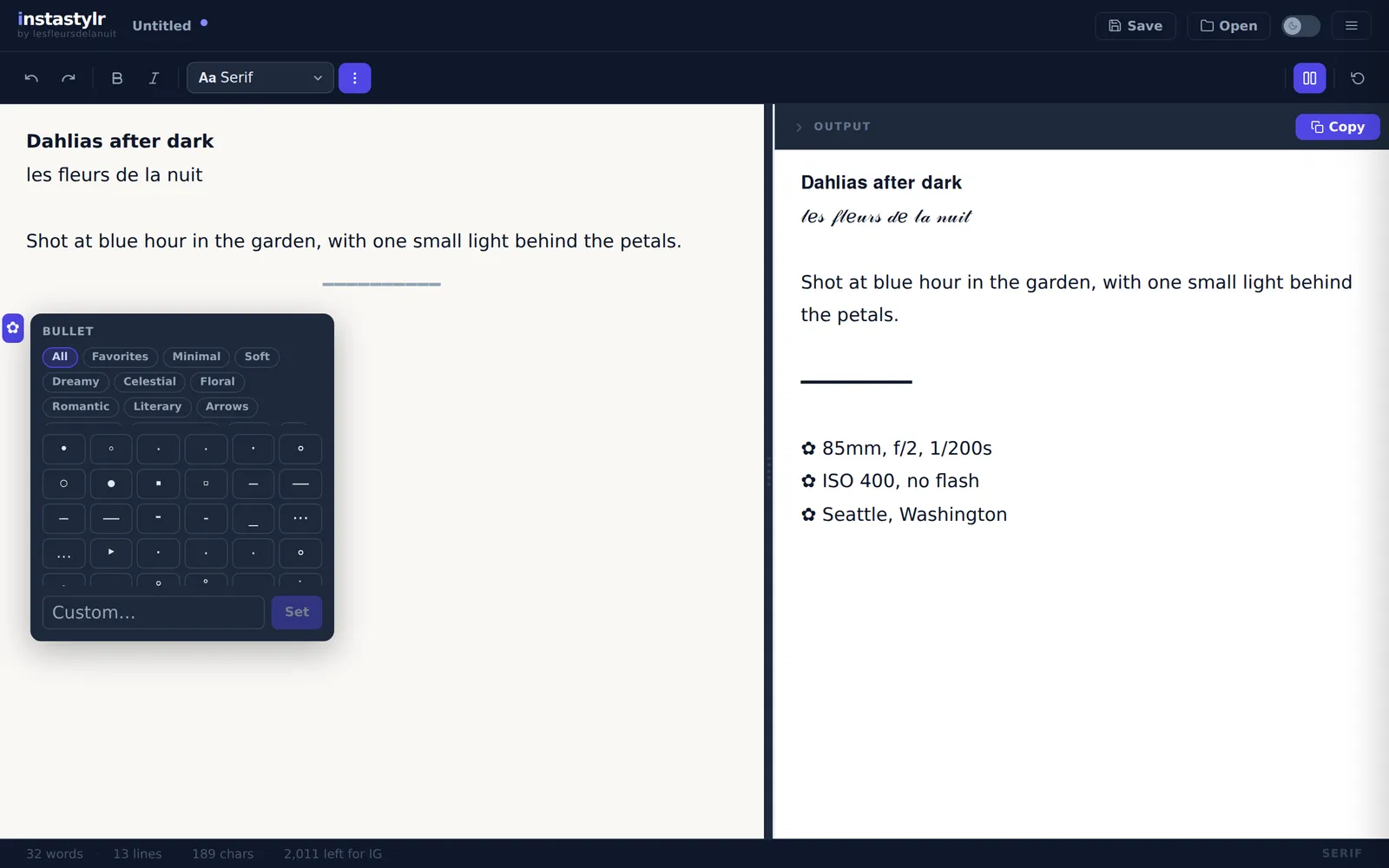
- Lists and dividers are structure only while editing. In the output a list is plain lines with a marker, and a divider is one line built from a recipe. Each list remembers its own bullet, and each divider remembers its recipe so the builder reopens with the same settings.
$ cat the-details-that-bite.mdThe details that bite
- Unicode has holes. The math alphabets are almost a fixed offset from ASCII, but italic
his the Planck constant and eight script capitals live in another block. Each font lists its exceptions, and a test checks every letter of every font. - A styled letter is two UTF-16 units. Anything that indexes a string by unit cuts these characters in half and doubles the count. The transform iterates by code point, and the counter counts what a person sees as one character, against the limit of the chosen platform.
- Some styles do not exist. Unicode has no bold monospace. The Bold button is then disabled, the style is removed from the text, and a notice says why. The interface shows what the output will be, never a setting with no effect.
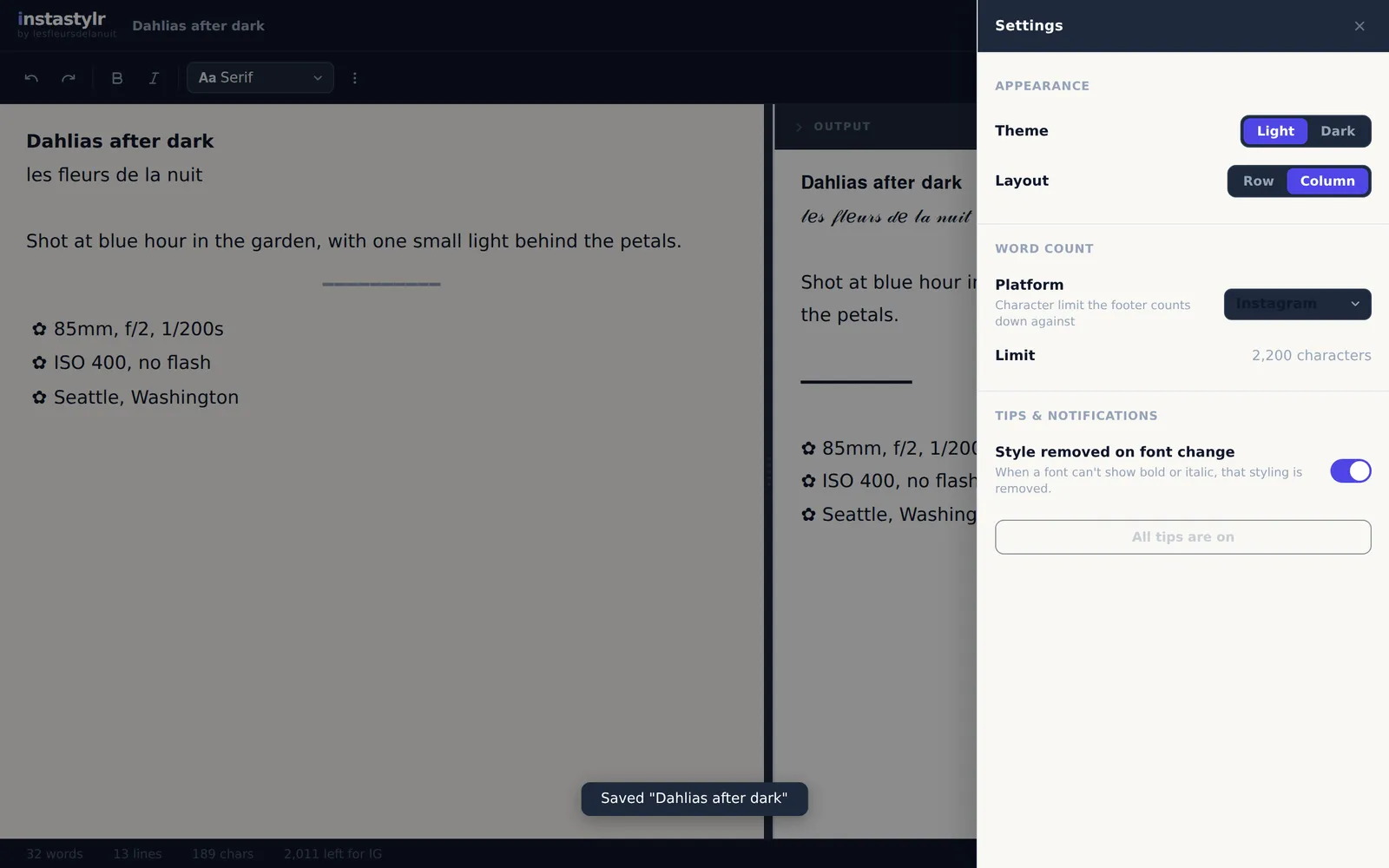
- Saving has explicit states. A caption is blank, an untitled draft, saved, or changed since the last save. The title, the Save button and the confirm-before-discard guards follow a written state table.
$ cat security.mdSecurity
There is no backend. The app is static files, saved posts stay in the browser’s own storage, and the Content-Security-Policy allows only the site’s own scripts and styles and no outside connections.
$ cat testing.mdTesting
About 5,100 lines of TypeScript with 103 unit tests and 10 Playwright browser tests. The unit tests cover the font transform (48 cases), the projection to plain text, lists, dividers, the counter and saved posts. The browser tests drive the real app: typing, styling, copying, saving and the discard guards.
$ cat limits-and-whats-next.mdLimits and what’s next
Styled Unicode has a cost: screen readers read these characters badly, and search does not match them, so it suits a heading or an accent more than a whole caption. Next is a quote library: search a collection of quotes by theme or mood and insert one into a caption.
$ ls screenshots/On screen
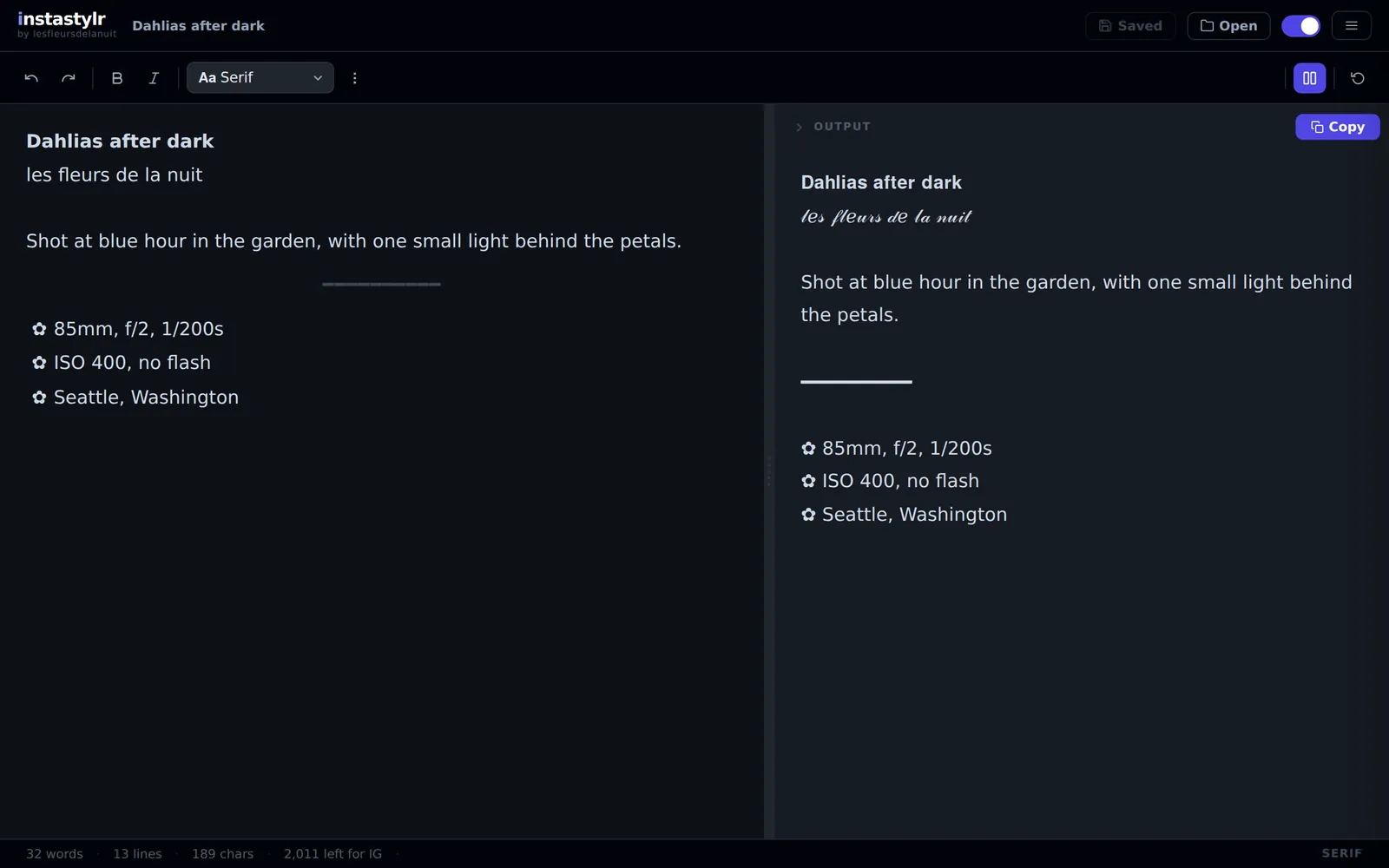
From the live app, with a sample caption.